ContentsUnits & formulas
Units & formulas
Give number fields units, show values in imperial and metric, and compute fields with formulas that check units before they save.
What to know first
Fields that know their unit
Formulas that check units
Your own functions
Reference tables
lookup().Curves
In this topic
- How-toGive fields units and write your first formulaGive a number field a unit, add a Calculated field, write a formula that checks units, and see the result in both systems.10 min
- How-toDefine a reusable functionWrite a calculation once, give it a name, and use it in any calculated field. When the math changes, you fix it in one place.6 min
- How-toPerformance curvesDefine a data series for a table, type each record's curve points, and let calculated lines draw themselves from the record's values.8 min
- ReferenceHow formulas workField keys and operators, unit checks, temperatures, tests and choices, linked records, reference tables, your own functions and curves, each with an example.12 min
- ReferenceBuilt-in functions, with examplesEvery function a formula can call without defining it, from if() and round() to num(), qty() and lookup(), with worked examples in real units.8 min
Where you see it
Admin and Engineering members set units and formulas on Fields, under Data model. Functions and Reference tables sit beside it, readable by everyone. Curves live in each record's Curves section. In the grid, a calculated value carries a small ƒ; hover it to see the formula.
An example
Take a 0 to 300 psi pressure gauge, accurate to 0.5 % of span.
- Inputs: Range, low end = 0 psi, Range, high end = 300 psi, Accuracy (% of span) = 0.5.
- Span is
range_max - range_min, which gives 300 psi (20.7 bar). - Accuracy (±) is
span * accuracy_pct / 100, which gives 1.5 psi (0.103 bar).
The editor refuses range_max + 5, because 5 has no unit. Write range_max + qty(5, "psi") instead.
FAQ
Which units can a field use?
The unit picker groups units by kind: length, mass, pressure, flow, power, temperature and more. Pick the unit you enter values in. SpecLatch pairs it with a unit in the other system, such as psi with bar or GPM with m³/h. Change, under the unit, picks other display units.
Why won't my formula save?
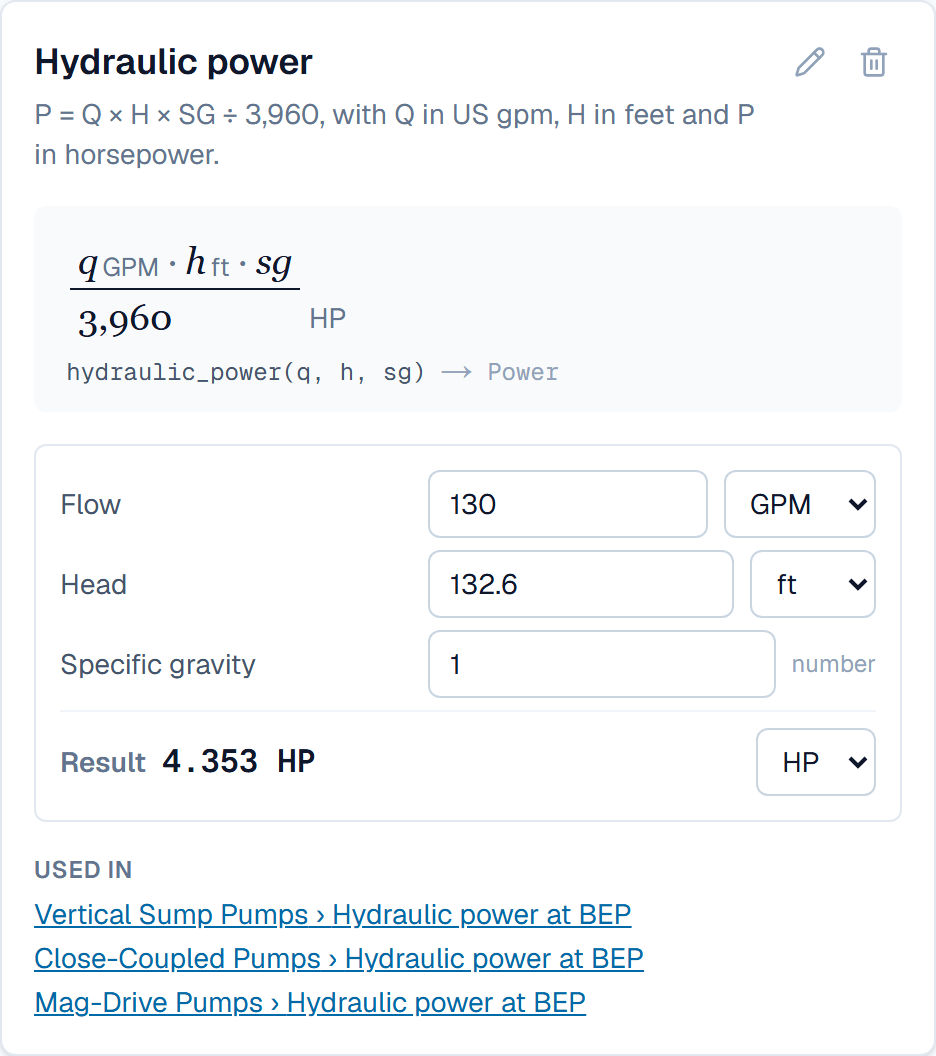
The red message under the editor names the problem. Usually the two sides of a + or - are different kinds of value, or a plain number needs a unit through qty(). Some results have a unit SpecLatch can't store, such as flow times head. Read those inputs as plain numbers with num(), do the math, then give the result its unit with qty().
When do calculated values update?
On their own, and nobody types into them. A calculated field recomputes when one of its inputs changes or a function it calls is edited. It also recomputes when a linked record it reads changes, and after an import.
Can a formula give a word instead of a number?
Yes. An if() that returns labels in quotes gives a choice, for example if(ratio < 0.4, "Pass", ratio < 0.8, "Check", "Fail"). The first true test wins. The result filters and prints like a single choice field.
Who can change units and formulas?
Admin members, and Engineering members with Confidential visibility, edit fields, functions and reference tables. Everyone can open Functions and Reference tables to read how a value is computed. Which values each person sees still follows the field tiers.
Related
| How-to | Give fields units and write your first formula |
| Concept | Tables & fields |
| Concept | Documents & the designer |