ContentsImport a spreadsheet
Import a spreadsheet
Load a CSV or Excel file into a table: map its columns to fields, convert units, check a dry run, then apply.
Before you start
- You need the Admin or Engineering role.
- The table and its fields exist. An import fills a table but does not create one, so start with Create a table.
- Your file is .xlsx or .csv, up to 20 MB. SpecLatch reads the first sheet and takes its first non-empty row as the headers.
Steps
-
On Tables, click Import data. In a table's grid, New record › Import a spreadsheet… opens the same page with that table chosen.
-
Pick the table in Import into. Download blank spreadsheet gives a file with this table's columns and their units in the headers.
-
Click Choose spreadsheet… and pick your file. Columns whose header matches a field's name or key map themselves.
-
Keep Create new records. Check Import as for each column: map one to Name (required) and set unneeded ones to — ignore —. Map a column marked looks like the model number to Model Number, so repeats are caught.
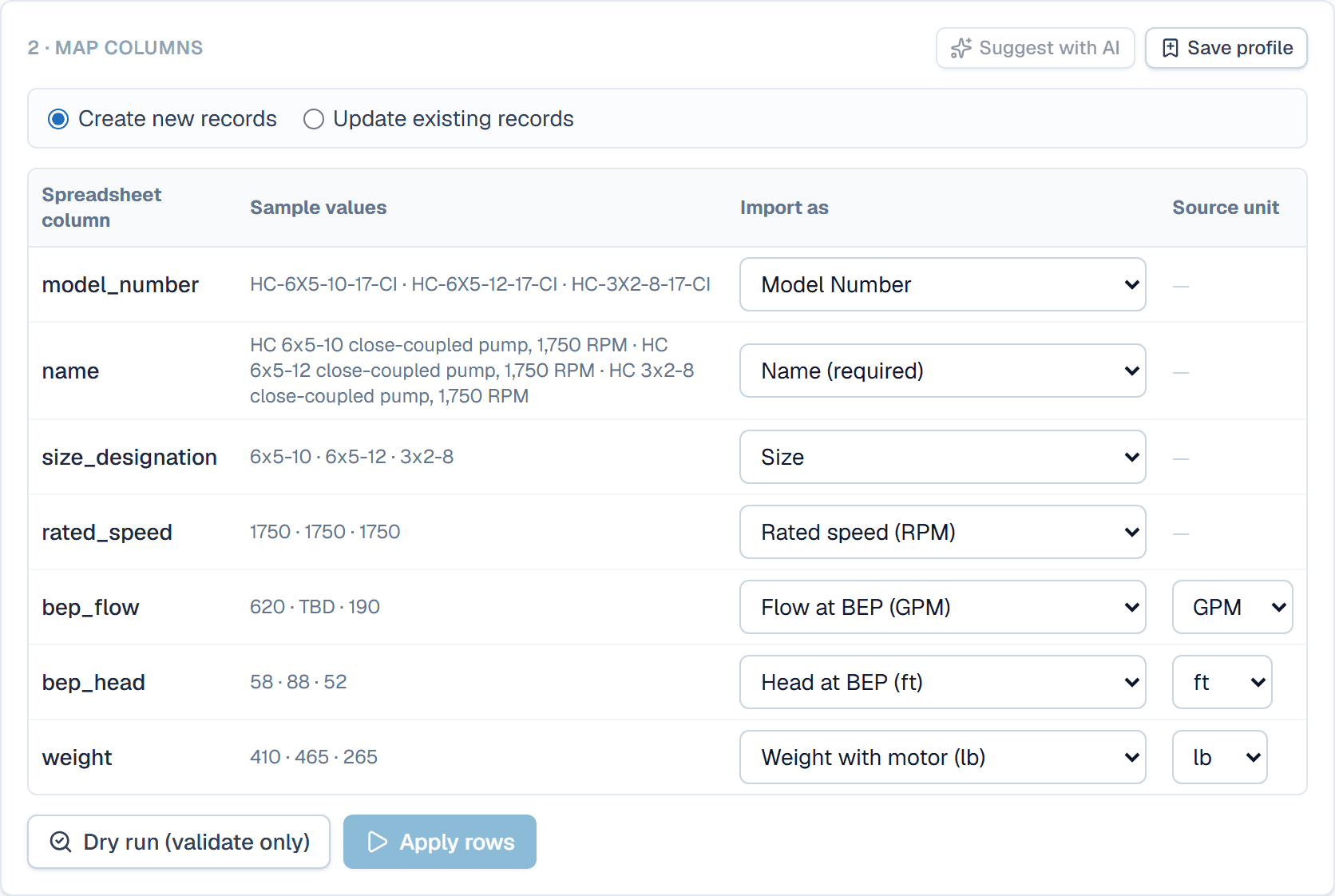
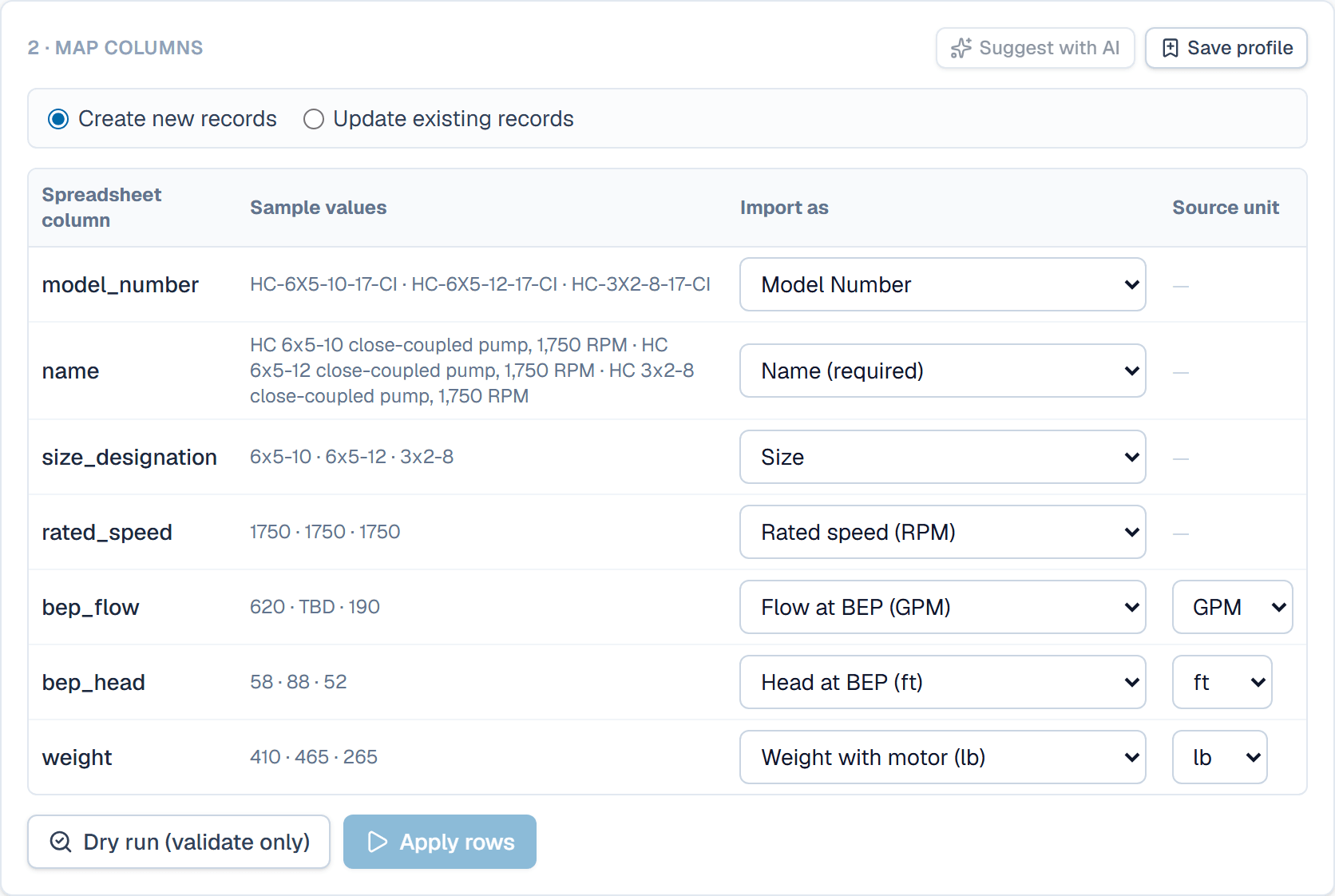
Each column gets a target field; a column bound to a unit-aware field also gets a source unit. -
If a number column uses another unit than its field, pick that unit under Source unit. Values convert into the field's unit as they import. A cell that carries its own unit, such as
60 °C, converts too. -
Click Dry run (validate only); nothing is written yet. Each row gets a state. New rows will be created and Duplicate rows repeat an existing model number. Error rows hold a value that doesn't fit, and Details says why.
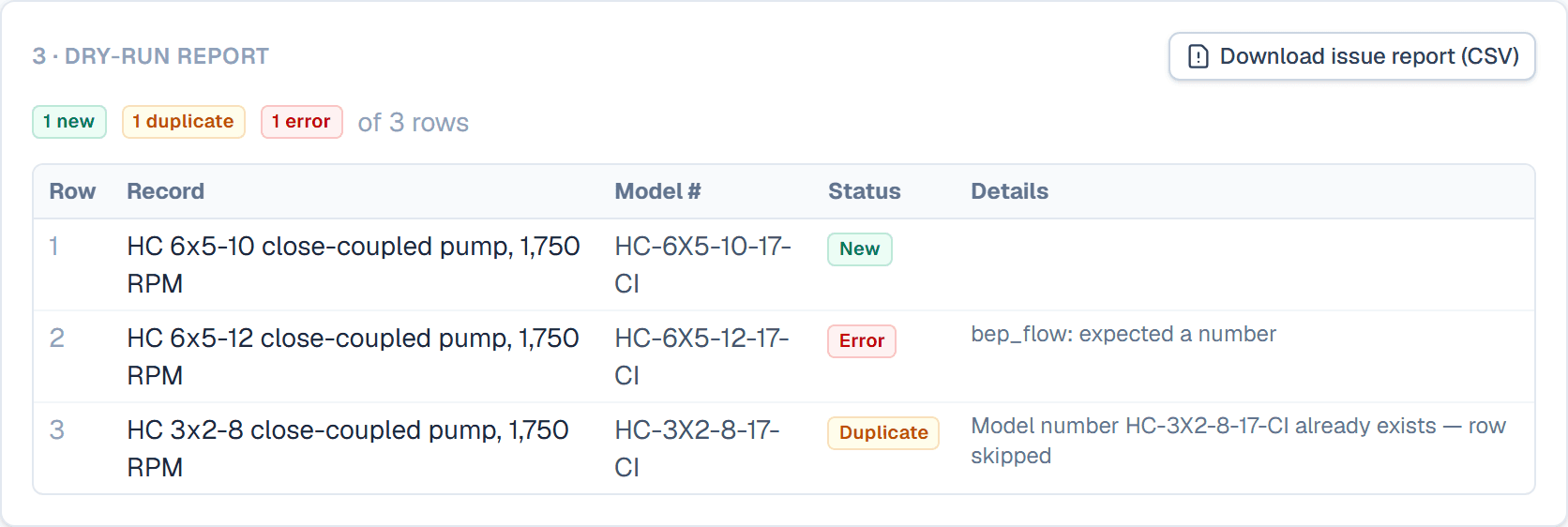
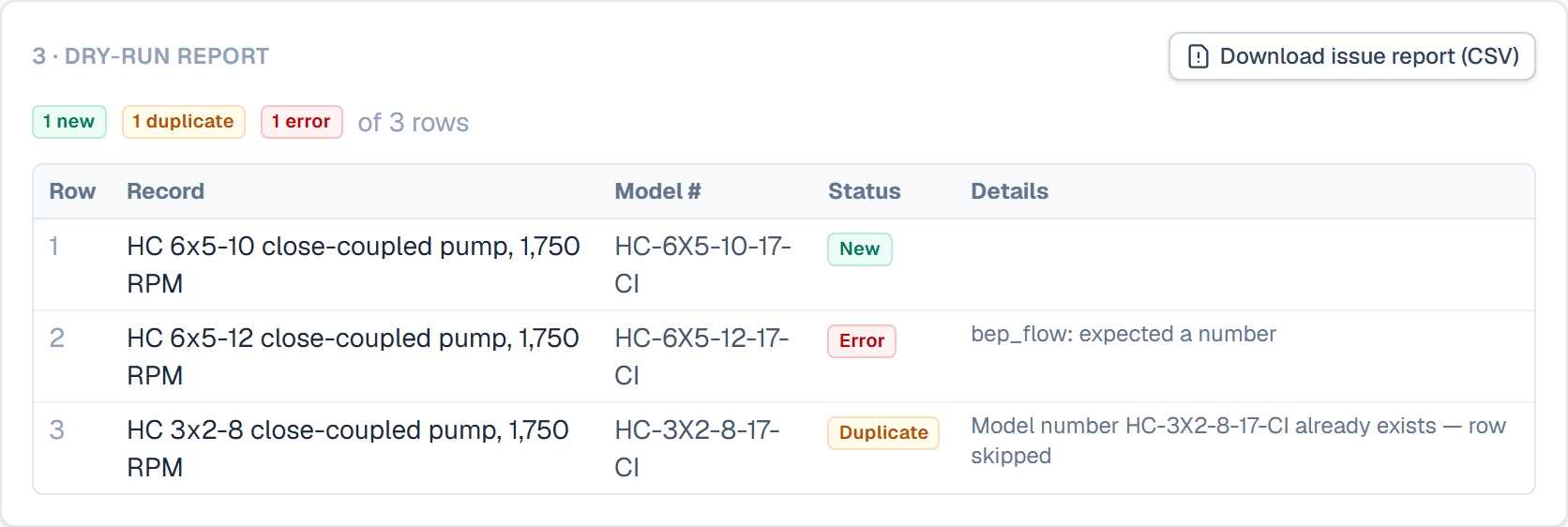
The dry run shows what each row will do before anything is written. -
Fix the file or the mapping and repeat the dry run until the report looks right. Click Apply, which counts the rows to import, and confirm.
What happens after
New records start as Draft, unless you mapped a Status column. Calculated fields fill in from the imported values. When the import finishes, the page shows the import report, with a link to the table's grid, and the bell notifies you with the counts. Record history names the file the values came from.
Related
| Concept | Import & export |
| How-to | Create a table and its fields |
| Concept | Records & the grid |