ContentsLink two tables, add lookups and rollups
Link two tables, add lookups and rollups
Connect records in two tables with a link field, then show a linked record's value or combine values across several linked records.
Some specs belong to another table: a pump runs on a motor whose rating already lives in your Motors table. A link connects each pump to its motor, so nobody types the motor's specs twice. Then a pump can show its motor's rating, and each motor the most power any of its pumps needs, and both stay current when either side changes.
This guide links a pump table to a Motors table, picks a pump's motor, then adds a lookup and a rollup.
Links, lookups and rollups
- A link field holds which records of another table go with this record. The other table gets a matching link field, so the connection shows from both sides.
- A lookup shows a field of the linked records, such as the motor's rated power on the pump.
- A rollup combines one number across all the linked records: the highest, the lowest, a sum, an average, a range or a count.
Lookups and rollups are both From linked records fields, worked out from the current links and values each time the record is read.
Before you start
- To add fields, you need the Admin role, or Engineering with Confidential visibility. Any Engineering member can pick links once the field exists.
- Both tables exist.
Link the tables
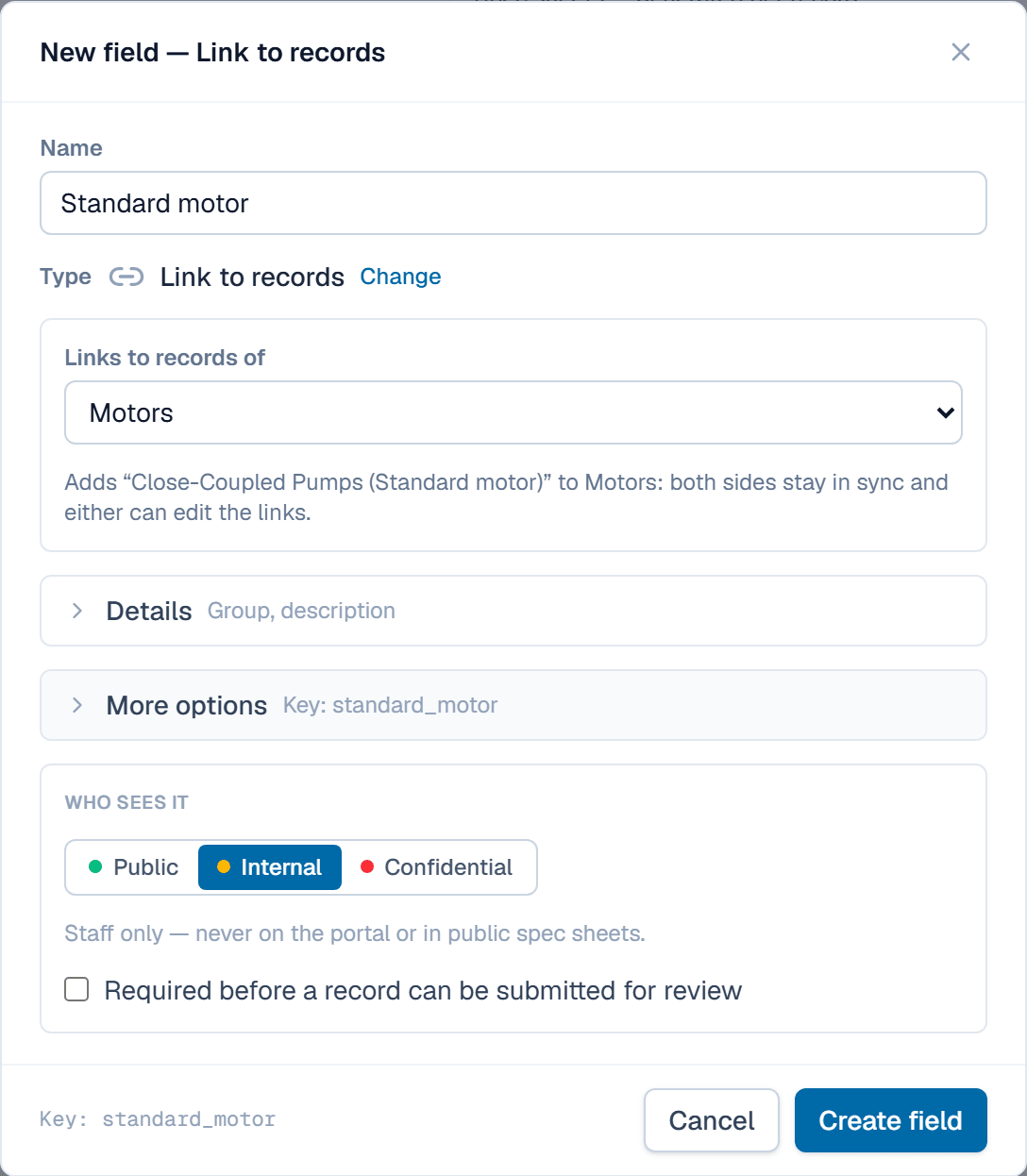
- Open Fields, pick the pump table and click Add field.
- Click the Link to records tile.
- Type the name Standard motor.
- Under Links to records of, pick Motors.
- Click Create field. Motors gets a link field back to the pumps, named after the pump table and this field.
Pick a pump's motor
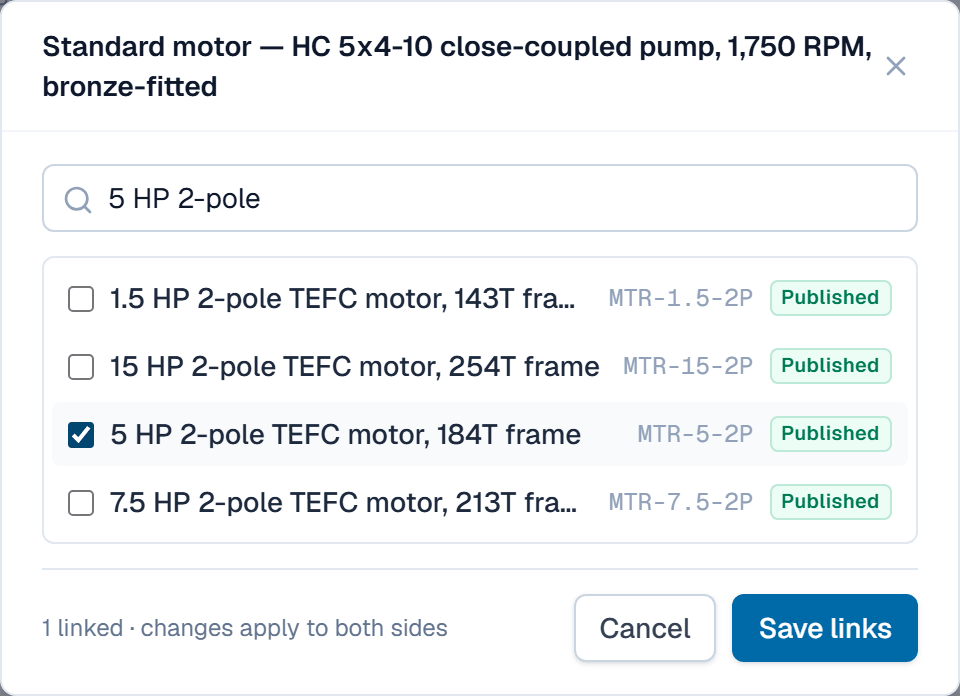
- Open a pump record that is still a Draft.
- In the Standard motor row, click Edit links.
- Tick a motor, such as the 5 HP 2-pole one.
- Click Save links. The motor's record now lists the pump too.
Show the motor's rating on the pump
This is a lookup.
- On Fields, pick the pump table, click Add field and click the From linked records tile.
- Type the name Standard motor rating.
- Set Through to Standard motor, the link to follow.
- Set Show to Each value.
- Set Field to Rated power, the motor field to show.
- Click Create field.
A pump linked to the 5 HP motor now shows 5 HP, with 3.73 kW on the metric side.
Find the most power each motor must deliver
This is a rollup, on the other table.
- On Fields, pick Motors, click Add field and click From linked records.
- Type the name Highest pump power.
- Set Through to the link back from the pumps.
- Set Show to Highest.
- Set Field to Maximum power, water (end of curve).
- Under Show in, pick HP. Values stored in kW convert before the comparison.
- Click Create field.
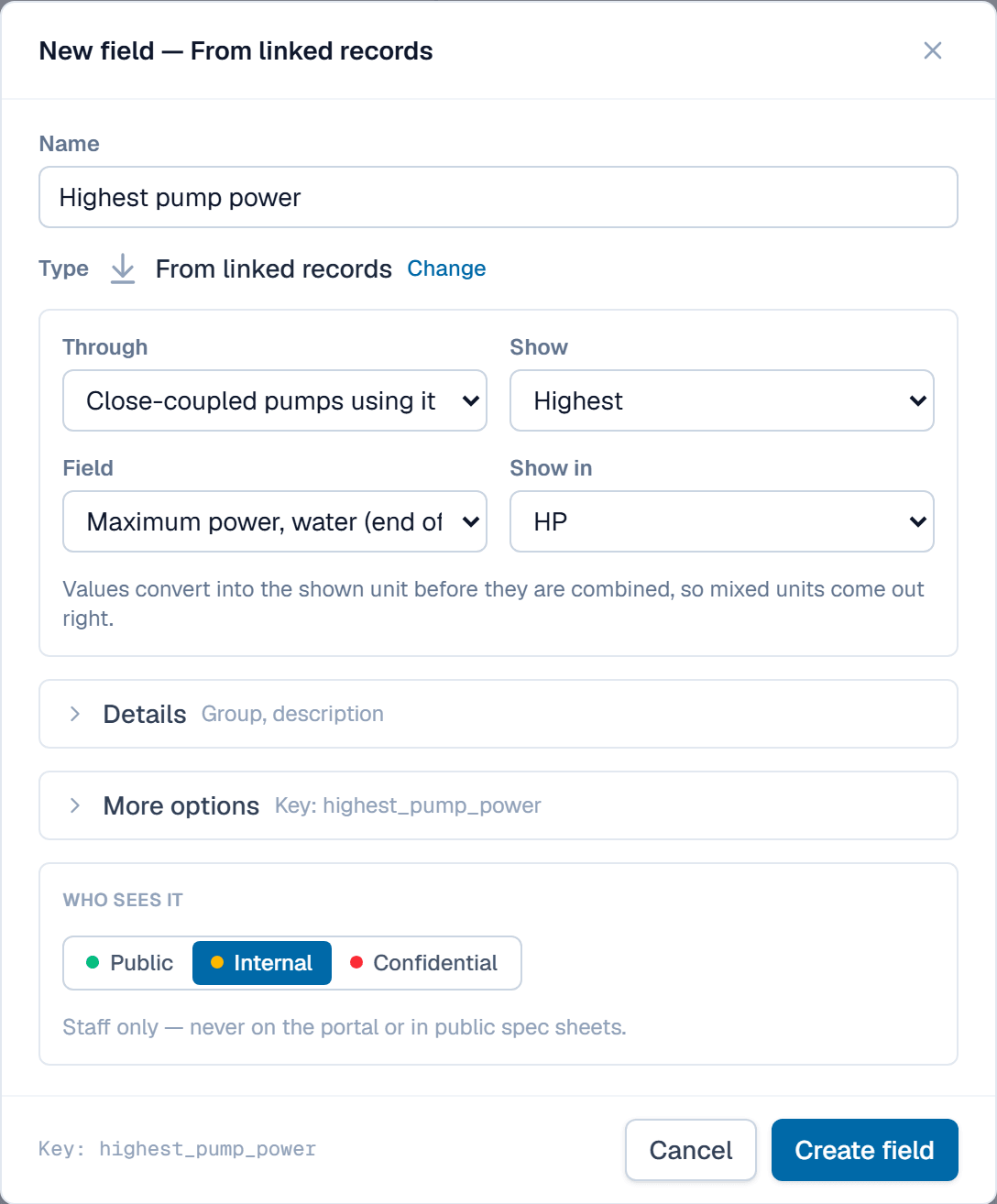
Two pumps use the 15 HP 2-pole motor, peaking at 12.28 HP and 15.27 HP, so the motor shows 15.3 HP.
Use them in formulas
A formula reads a lookup or a rollup by its key, like any other field. With the lookup motor_hp = 5 HP and max_bhp = 5.22 HP, round(max_bhp / motor_hp * 100, 0) gives a motor loading of 104 %.
Related
| Reference | Field types |
| Concept | Tables & fields |
| How-to | Give fields units and write your first formula |