ContentsSet a field's confidentiality tier
Set a field's confidentiality tier
Choose who sees a field's values in every record, from the Who sees it setting in the field editor.
Before you start
- To open Fields, you need the Admin role, or Engineering with Confidential visibility. An Engineering member can't make every change; see Who can make a field more visible.
- The table and its fields exist. If not, start with Create a table and its fields.
- Decide each field's tier. Public fields can reach customers, Internal fields stay with staff, and Confidential fields are for members cleared to see them.
- The built-in columns (Name, Model #, SKU, Description) are always Public.
- Curves have their own Visibility, set per series under Data series (curves) further down the same page.
Steps
-
Open Fields in the sidebar.
-
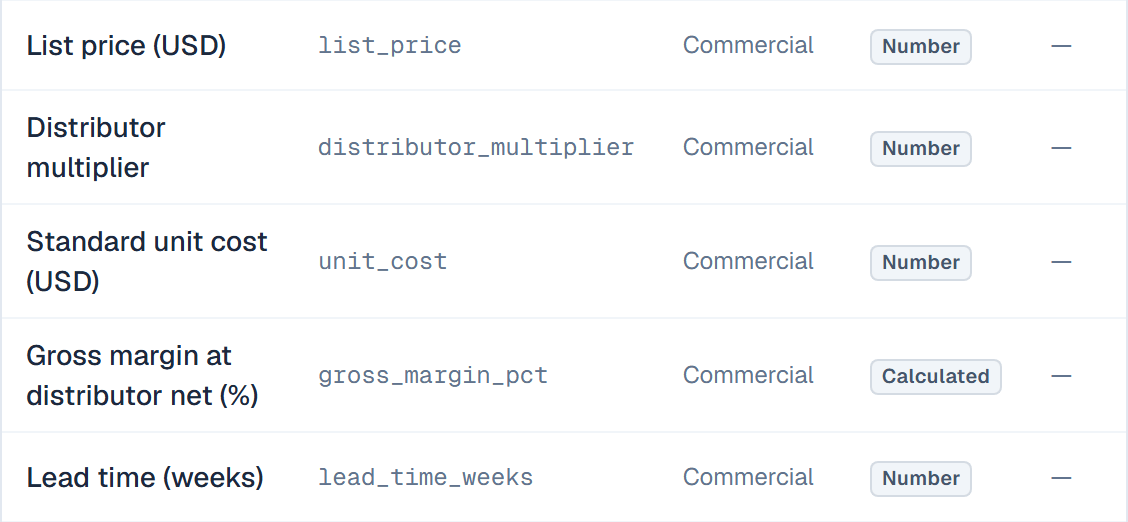
Pick the table in the Tables list on the left. The Visibility column shows each field's current tier.
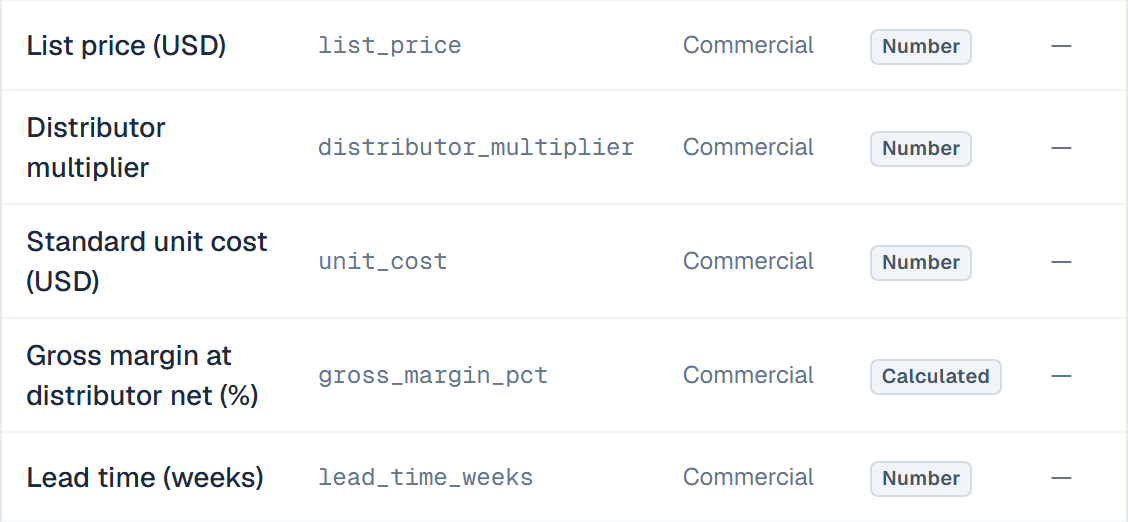
The Visibility column shows each field's tier at a glance. -
Click the pencil icon (Edit field) on the field's row.
-
Scroll to Who sees it at the bottom of the dialog.
-
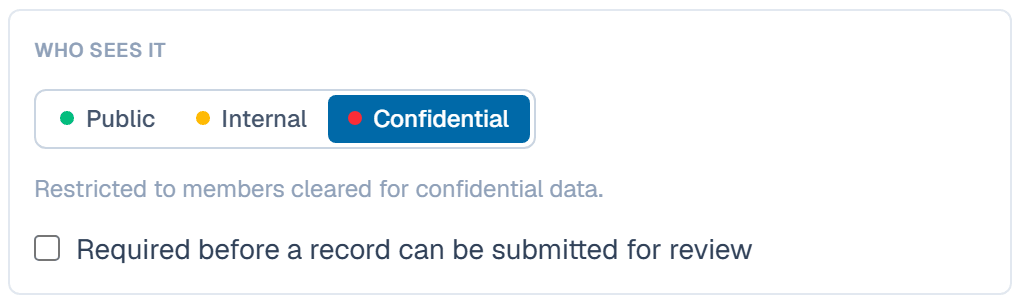
Pick Public, Internal or Confidential. The line under the choice says where the field can appear.
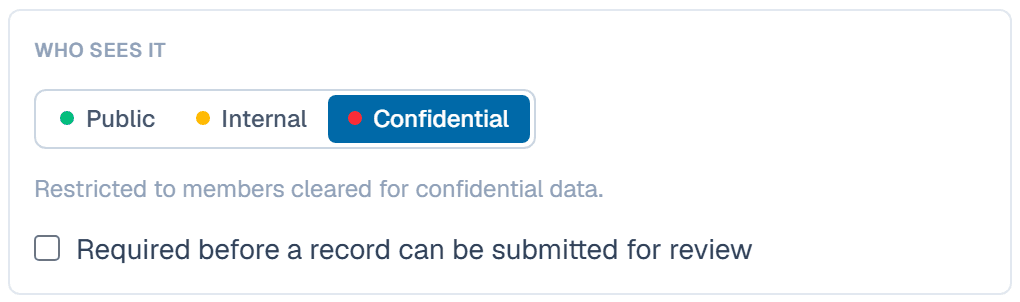
Pick the tier; the hint below it says where the field can appear. -
Click Save changes.
Who can make a field more visible
A tier is a promise about who sees a value, so an Engineering member can tighten it but never loosen it for data that already exists. An Admin can do both.
- Stricter is always fine: Public to Internal, or Internal to Confidential.
- More visible only while the field is empty. A new field can take any tier, and so can a field no record has filled in yet. Once a record holds a value, a file or a link in it, an Admin makes it more visible.
- A computed field is never more visible than what it reads. A Calculated field whose formula reads a Confidential field must be Confidential too. The same goes for a field from linked records and for a curve's calculated lines. Computed fields fill in as soon as the table has a record, so they count as holding data from then on.
The tiers you can't pick are greyed out under Who sees it, with the reason below them.
What happens after
The new tier applies at once to that field in every record of the table. Members whose visibility is below the tier no longer see the field in the grid or on record pages. The portal and the API apply it on their next request. Spec sheets generated before the change keep what they printed, so the table's sheets are marked stale. Regenerate all on the dashboard's Documents out of date card makes each one again with its own template, language and visibility.
Related
| Concept | Confidentiality & review |
| How-to | Send a record for review, approve, publish |
| Concept | Tables & fields |