
Confidentiality & workflow
One record, three audiences, each seeing only its own fields
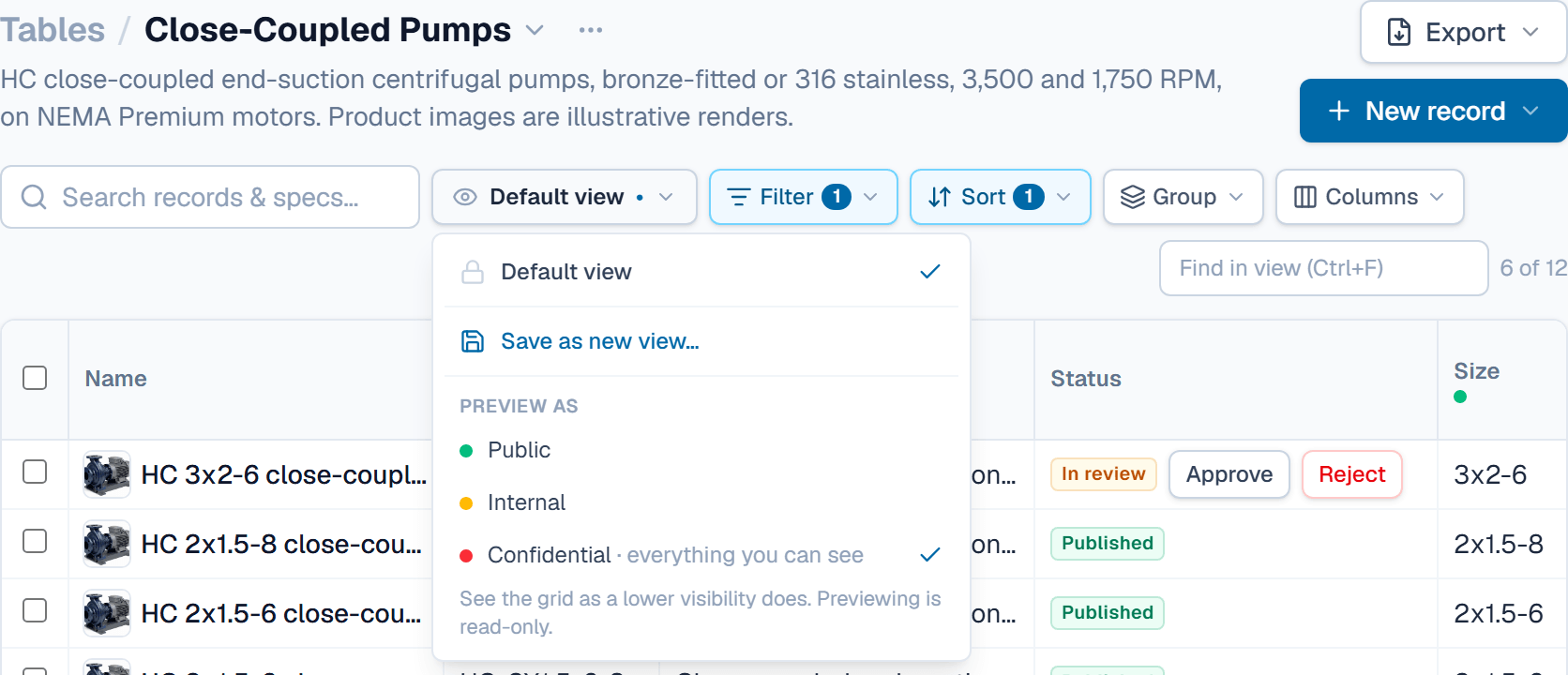
Cost sitting next to catalog data is why most companies keep two copies of everything, and why the copies drift. SpecLatch keeps one record and lets the database decide who sees which fields. The diagram below shows one record as three audiences receive it.
One record. The database decides what each audience receives.
Set once, per field
CV-200 Control Valve
One record, six fields, three tiers
Public
Your website, the portal, a public spec sheet, a public API key.
Flow coefficientCv 46 (Kv 40)Body material316 stainlessPressure classANSI Class 300not sentnot sentnot sent3 of 6 fields
Internal
A distributor's seat, an internal spec sheet, an internal key.
Flow coefficientCv 46 (Kv 40)Body material316 stainlessPressure classANSI Class 300Unit cost$182.40Lead time3 wknot sent5 of 6 fields
Confidential
Engineering, and anyone you clear for confidential fields.
Flow coefficientCv 46 (Kv 40)Body material316 stainlessPressure classANSI Class 300Unit cost$182.40Lead time3 wkSupplierMeridian Alloys6 of 6 fields
Nothing reaches a customer without a review
Reject sends the record back to Draft, with a comment.
- DraftEngineering edits the record.
- Submit for reviewrequired fields are checked
- In reviewLocked while it waits.
- ApproveMarketing or an Admin
- PublishedThe portal, the API and official spec sheets read it.
Three tiers, set per field
Every field definition is public, internal, or confidential. Records inherit the tier, and documents, portal pages, API responses, search results, and exports all respect it. There is no separate copy for customers to maintain. The one record is filtered for each audience.
- Public: your website, portal, and API
- Internal: pricing and commercial data for your team and partners
- Confidential: suppliers, costs, and margins, for the roles cleared to see them
Four roles, each with a maximum tier
Each member has a role and a maximum tier. Engineering edits the product data and, when cleared for confidential fields, builds the data model. Marketing reviews and publishes. Viewers read, and open the generated spec sheets and catalogs. Admins manage members and API keys, and only an Admin can make a field that holds data more visible. A member capped at internal cannot see confidential fields on any screen, in any export, or through search, because the limit is applied where the data is read rather than by hiding buttons.
- Admin, Engineering, Marketing, and Viewer roles, set per member
- A maximum tier per member
- API keys are read-only and capped at a tier, so a website key can only read public data
Draft → review → published
Records move through an explicit workflow. The portal and the API serve published records only, so half-finished engineering work cannot reach customers. Submitting a record for review checks that its required fields are filled.
- Required fields checked before review, with strictness set per organization
- A review queue with approve, reject, and comments
- Only published records reach the portal and API
The bridge between engineering and marketing
Engineering owns the data and submits it for review. Marketing approves and publishes it, then uses the approved values in documents and web pages without retyping them. Field-level history shows who changed what and when, and a single value can be reverted.
- Revision history per field, with revert
- Comments and @mentions on records
- An activity feed and in-app notifications for review outcomes
Learn it in the guide
Tiers, review and roles, step by step
- Set a field's confidentiality tierChoose who sees a field's values in every record, from the Who sees it setting in the field editor.Read it · 4 min
- Send a record for review, approve, publishSubmit a finished record, then approve it from the review queue or the record page, which publishes it in the same step.Read it · 6 min
- What each role can see and doThe four roles and the visibility setting: who edits, submits, approves, builds the data model and runs the workspace, and which fields each member sees.Read it · 7 min
See it speaking your industry's language
See it on your own catalog
Start a free trial and import one of your own product families. The fastest way to evaluate SpecLatch is on your own data.
30 days of Growth-plan features · no credit card required · your data exports any time