
Import, grid & export
Your catalog, imported in an afternoon
SpecLatch meets your data where it lives: in spreadsheets. Import maps your columns to fields, with optional AI suggestions and unit conversion on the way in. The grid edits like the spreadsheet you left, and a full export is always one click away.
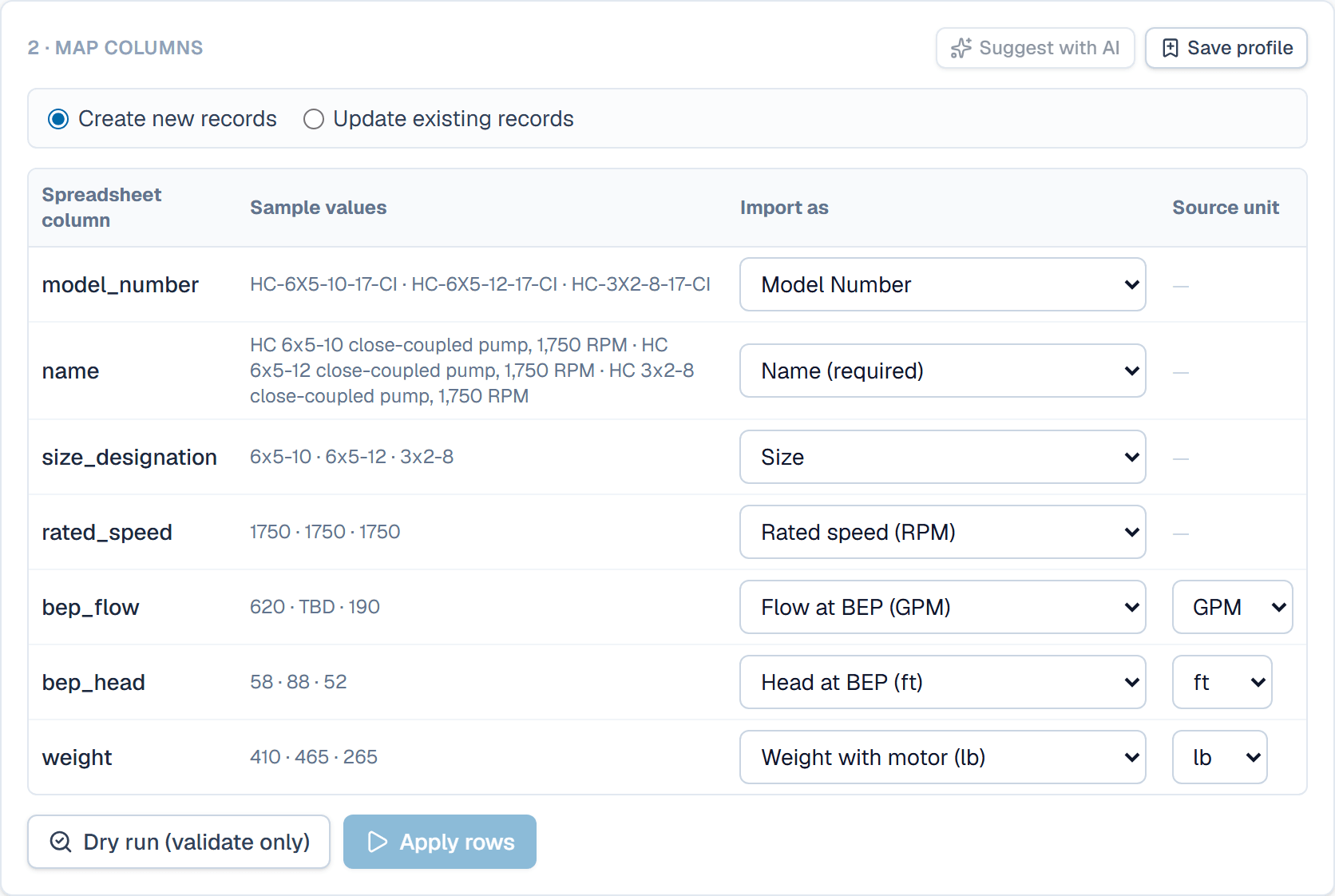
Your columns find their fields. Nothing is written until you have seen the dry run.
Map · convert · check
enclosure-catalog.xlsx214 rows
- Model No.EN-4X-6040 · EN-4X-8060→ Model number
- NEMA Type4X · 4X · 12→ Enclosure rating · AI suggestion
- Width (mm)600 · 800 · 400→ Width
- Weight (kg)14.2 · 22.5→ Weight · kg → lb on the way in
- List $412.00 · 598.00→ List price · AI suggestion
- StatusPublished · Draft→ Status · sets Draft, In review or Published
- TagsStainless | Stock item→ Tags · can add missing tags
- new
- 211
- duplicate
- 1
- errors
- 2
Dry run, 214 rows. Row 57 · Width (mm): expected a number. Row 131 · Model number EN-4X-8060 already exists: row skipped.
Fix the file or the mapping and run it again. Apply rows writes them only when you say so.
Import that understands your sheet
Upload a CSV or Excel file and columns map to fields by header name, with optional AI suggestions for the rest (Growth plan and up, using your own AI key). Source units convert on the way in, so a kg column lands correctly in a field stored in lb. A dry run shows every change before a single row is written. A column can also set each record's status, its tags, or whether the portal features it.
- Optional AI mapping suggestions you can override (Growth and up)
- Unit conversion per column on import
- A dry run listing creates, updates, and rejected cells before you commit
A grid that keeps up with you
Spreadsheet-style editing over real, typed data: keyboard navigation, paste across many cells with undo, bulk edits, filters, and saved views. On Growth and up you can also describe a filter in plain English.
- Paste from Excel with full undo
- Saved views per table: columns, order, filters
- Plain-English filters ("published records missing a photo") from Growth
Files and photos on the record
Attach supplier datasheets, certificates, manuals, and product photos to records and fields. Accepted: images, PDF, Office documents, CSV/TXT, ZIP and CAD files. Attach in bulk by matching filenames to model numbers, pick a main photo per record, and print references to attachments on documents.
- Bulk attach with filename matching
- A photo picker per record for documents and the portal
- Document categories with expiry tracking for certificates
Export is always available
One click exports the entire organization to XLSX: every table, record, link, and document reference. It works during a trial and it works if your subscription lapses. The way out is as easy as the way in.
- Full XLSX export of the organization, always available
- Generated documents download as standard PDFs
- No proprietary formats anywhere in the exit path
Learn it in the guide
The same import, step by step
- Import a spreadsheetLoad a CSV or Excel file into a table: map its columns to fields, convert units, check a dry run, then apply.Read it · 10 min
- Paste from a spreadsheetCopy cells in Excel and paste them into the grid to fill many records at once; lines past the last row become new drafts.Read it · 4 min
- Export your whole organizationDownload every table, record and stored value as one Excel workbook, with sheets for links, files, documents and inquiries.Read it · 2 min
See it speaking your industry's language
See it on your own catalog
Start a free trial and import one of your own product families. The fastest way to evaluate SpecLatch is on your own data.
30 days of Growth-plan features · no credit card required · your data exports any time